Render manager for Blender
Shots, layers, passes and settings from one place
Build outputs to fit any pipeline, then apply your setup in one click
Blender 4.2-5.3Cycles and EEVEEWindows, macOS and Linux
Wired by hand in one click
Configure the Output, Passes and Settings tabs, then click Apply Render Setup. Once applied, DDR keeps applying every change
Layers
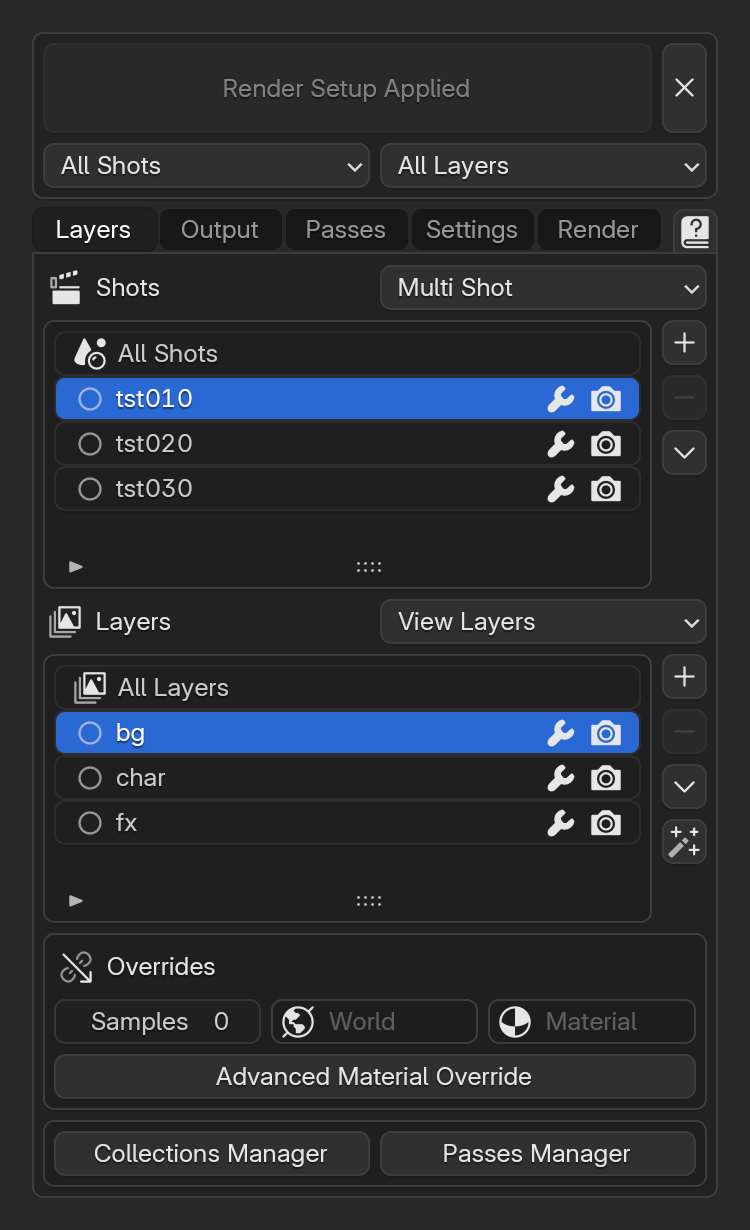
Every shot in one file
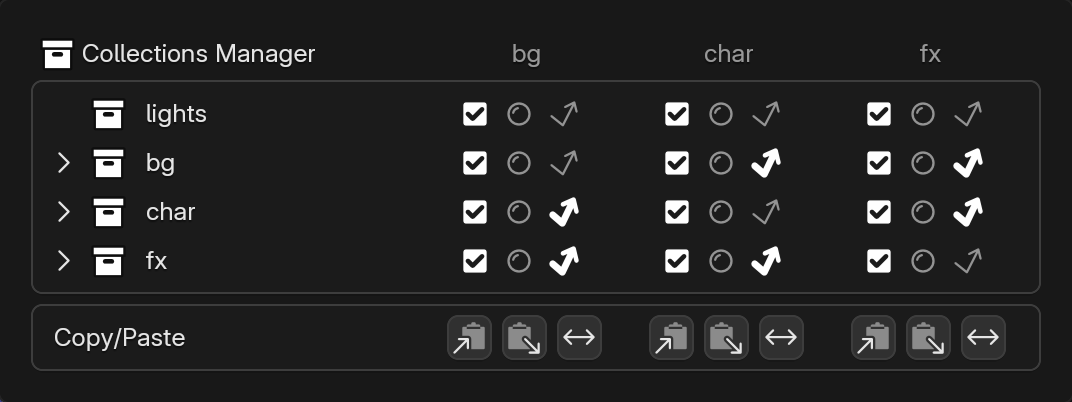
Add each shot as a scene with shared collections. A scene can also have collections of its own, so shots share as much or as little as you need
Edit one or all
Change a setting on one shot or layer, on all of them at once, or on all but one by disabling its wrench
Compare every layer side by side in the Collections Manager and Passes Manager
Scene Layers
View Layers
Scene Layers or View Layers
Use Scene Layers for full control per layer, or View Layers for a few overrides per layer and Multi Shot. Switch between them at any time
Materials
Override, one material excluded
Advanced Material Override
Override materials and optionally keep alpha, normal, displacement or volumes
Output
One path to name them all
Name every output file with the Master Path. Tokens resolve per shot, layer and class
Master Path
//render/
{s}Shot{l}Layer{v}Version{c}Class
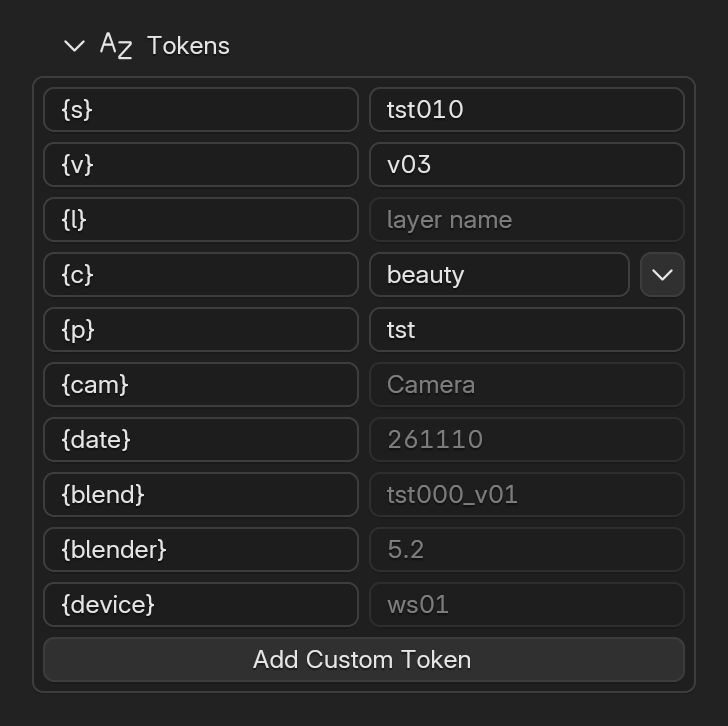
Tokens
Reorder, rename or add tokens of your own to fit any pipeline
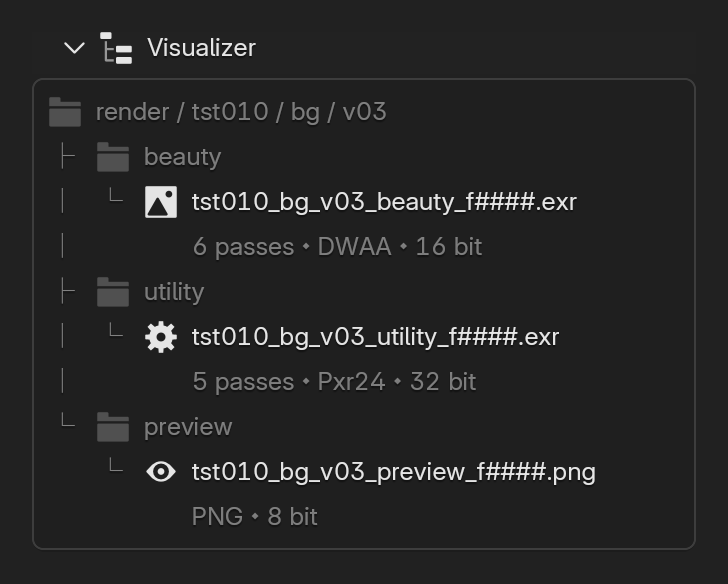
Visualizer
See the resolved files and folders of the selected layer
Passes
Built for comp
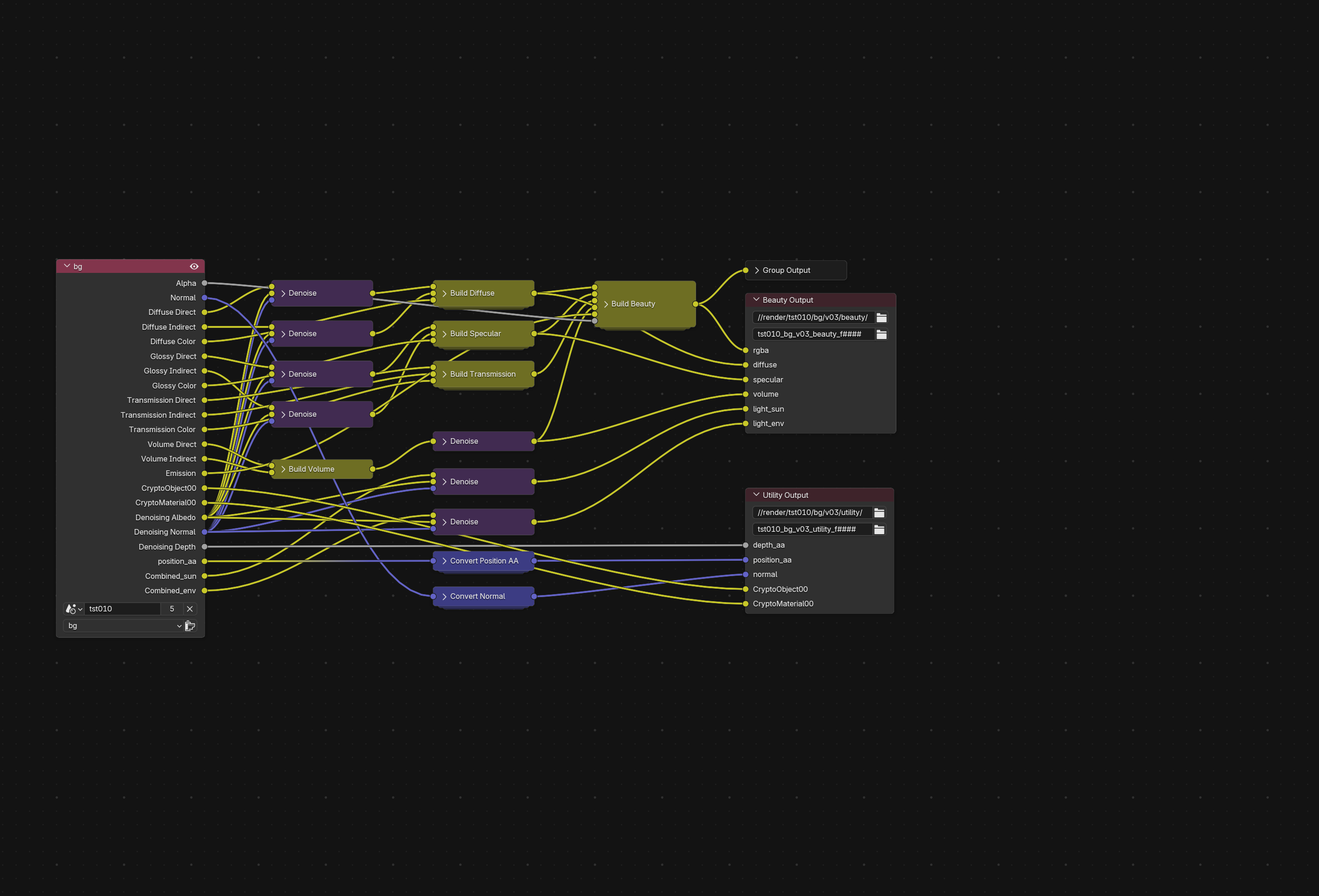
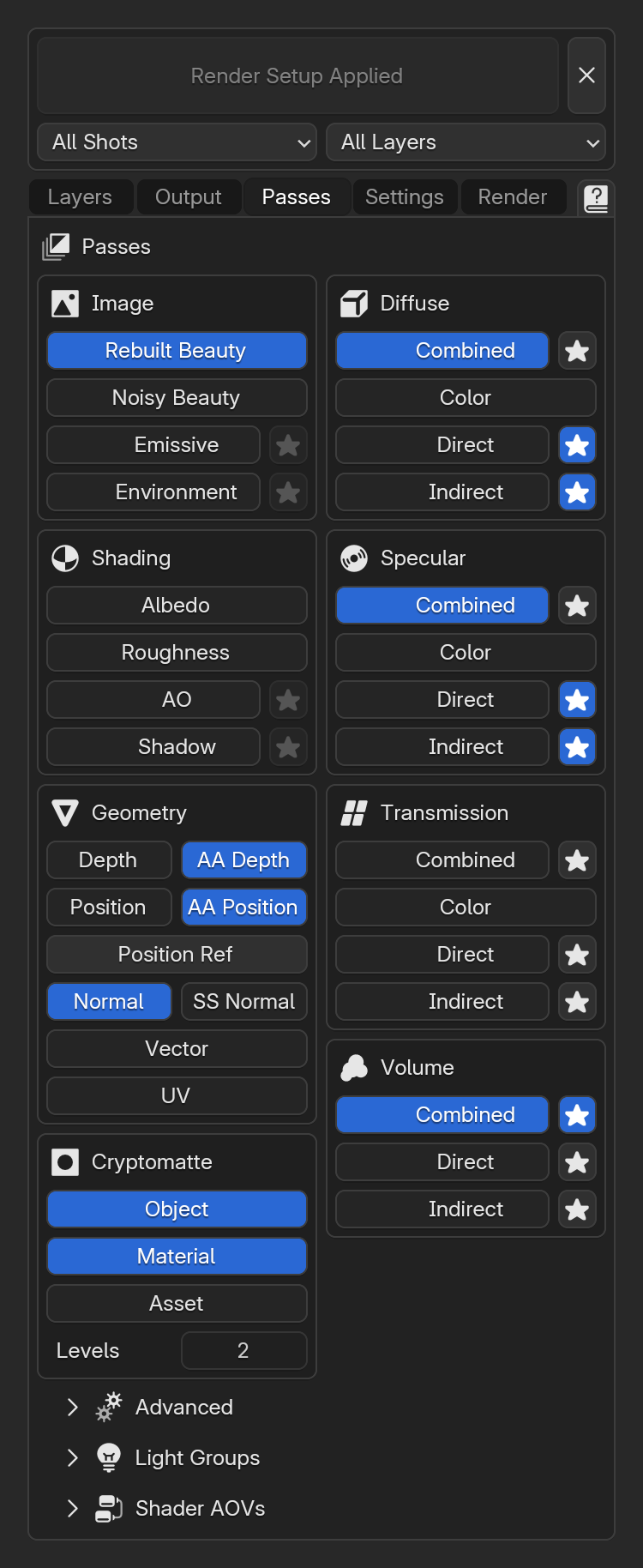
Rename any pass, move it between files, or combine everything into one EXR. Separate beauty from utility to reserve 32 bit for the passes that need it
- rgba
- diffuse
- specular
- volume
- light_sun
- light_env
- depth_aa
- position_aa
- normal
- CryptoObject00
- CryptoMaterial00
Noisy
Denoised
Denoising
Click the star beside a pass to denoise it in the compositor
Depth
AA Depth
AA Depth and AA Position
Write Depth and Position antialiased, so their edges match the beauty
Add Position Ref for mattes and textures that stick to a deforming mesh
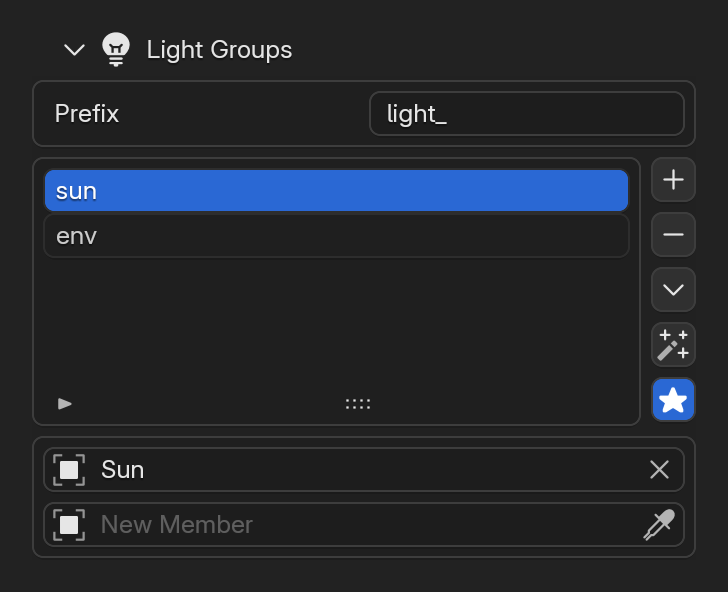
Light Groups
A new way to manage light groups. Create a group for every light, emissive object and world in one click
Rebuilt Beauty
Sum the beauty from the denoised passes, so dividing or subtracting a pass against it stays accurate. Star a pass it is built from to denoise it even when it is not written, for multipass denoising without writing every pass to disk
Render
Render in a terminal
Queue renders in a separate process that uses less memory and retries on crash. Render a snapshot of the blend file with Smart ETA and Notifications
00:00:00 | Opening    | /job/tst/render/snapshots/tst000_v01_261110_214012.blend
00:00:04 | Started    | 1 shot | 2 layers | 48 frames
00:00:04 | Render     | tst020 | bg       | 1001-1024 | v01
00:00:28 | Frame 1001 | tst020 | bg       | Sample  640/1280
00:00:49 | Frame 1001 | tst020 | bg       | Done      | Memory 5234MB | Time 45.2s | Average 45.2s | ETA 35m 24s | Finish 10:16 PM
00:00:49 | Saved      | /job/tst/render/tst020/bg/v01/beauty/tst020_bg_v01_beauty_f1001.exr
00:00:49 | Saved      | /job/tst/render/tst020/bg/v01/utility/tst020_bg_v01_utility_f1001.exr
00:01:28 | Frame 1002 | tst020 | bg       | Done      | Memory 5241MB | Time 38.9s | Average 38.9s | ETA 29m 49s | Finish 10:11 PM

Blender exited with code 11. Retry 1 of 3 in 1 second

00:07:42 | Opening    | /job/tst/render/snapshots/tst000_v01_261110_214012.blend
00:07:45 | Resuming   | 11 of 48 frames done
When frames exist on disk, choose Render Missing, Version Up or Overwrite
Notifications
Get notified when a render finishes or fails, through the free and open source ntfy app
ntfy9:40 PM
DDR Render Started1 shot ⬩ 2 layers ⬩ 48 framesntfy10:12 PM
DDR Render Complete48 frames ⬩ 31m 50s ⬩ 1 retryFarmsPro
Submit each enabled layer as its own job, or write the jobs to a JSON file. Collect dependencies with BAT Pack to Farm
Use any render manager or farm, since DDR only configures the blend file natively
- Flamenco
- B-Renderon
- Custom JSON
- tst010 ⬩ bg1001-1096
- tst010 ⬩ char1001-1096
- tst010 ⬩ fx1001-1096
- tst020 ⬩ bg1001-1024
- tst020 ⬩ char1001-1024
- tst020 ⬩ fx1001-1024
A bit more
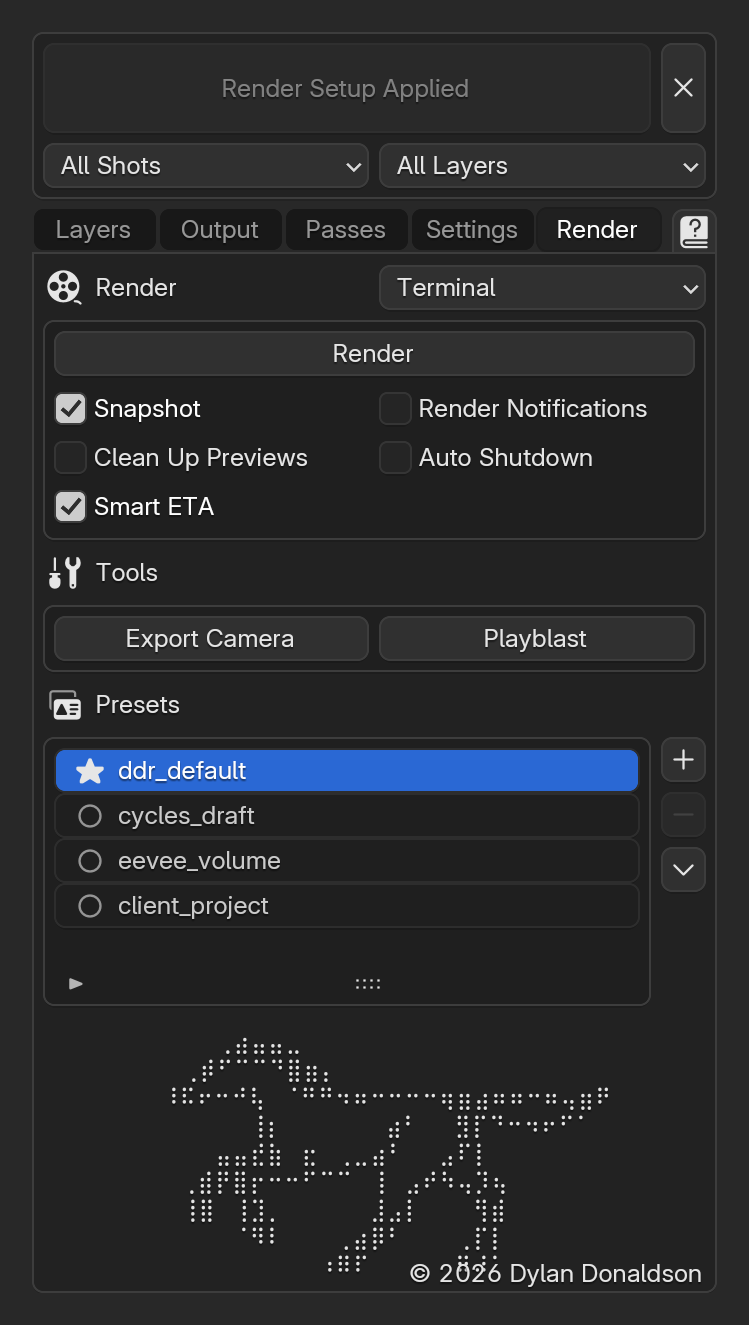
Presets
Save setups as presets to apply in any blend file. Star one to load it on startup
Overscan
Set overscan per shot, kept in the blend file
PlayblastPro
Render each shot to an MP4 with burn ins
Export CameraPro
Bake the shot camera to Alembic
Watch it work
Lite or Pro
| DDR Pro$29 | DDR LiteFree | |
|---|---|---|
| Passes and Denoising | ||
| Master Path and Visualizer | ||
| Terminal and Notifications | ||
| Presets and .backup | ||
| Shots and Layers | ||
| Collection and Pass Managers | ||
| Render Farm Dispatch | ||
| Export Camera and Playblast | ||
| Advanced Material Override | ||
| Get DDR Pro | Try DDR Lite |
One time purchaseAll future updatesOne license per artist
Questions, bug reports and feature requests are welcome!
dylan3d.com ⬩ @zertox3d ⬩ hello@ddrblender.com